
-------------------------------------------------------------------------------------------------------
bKash
This is one of our more popular payment methods and if you have access to a personal bKash wallet, you can easily send payment for your item to our merchant wallet number.
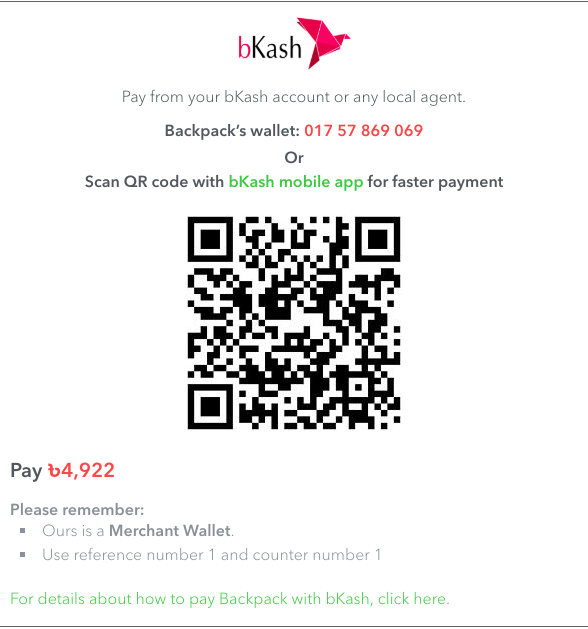
Step 1
Check out with the item in your cart or hit Buy Now to take an item to checkout directly from the item page.
Step 2
After selecting preferred delivery method, in the next section, select “Pay via bKash (BDT)”

Step 3
There are two payment options for your convenience, from which you can choose either: 1) with QR Code, 2) With USSD
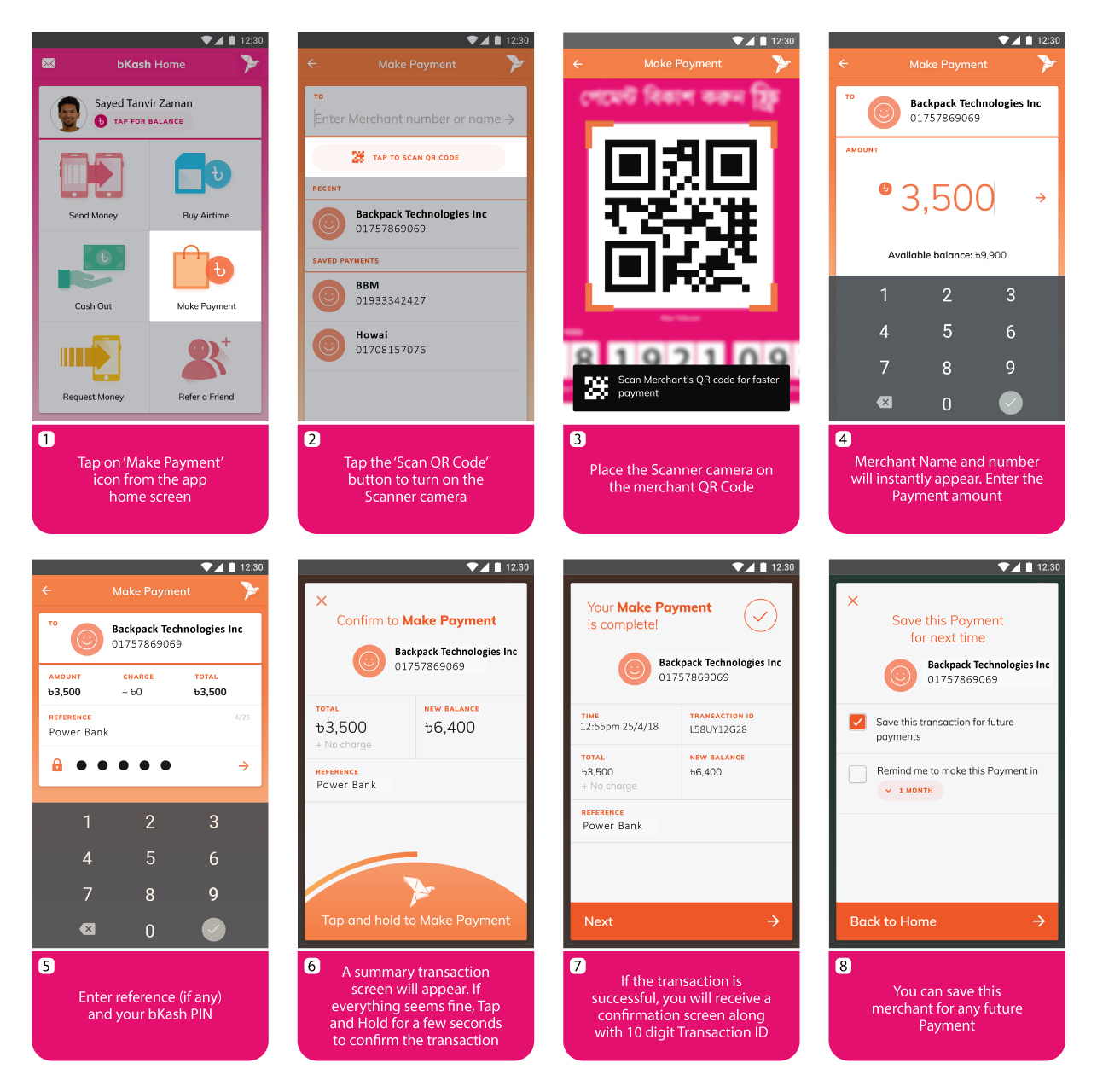
Option 1: How to make payment through QR Code
- Tap on ‘Make Payment’ icon from the bKash App home screen
- Tap the ‘Scan QR Code’ button to automatically receive the Merchant Name and Number
- Enter the amount that you need to pay
- Enter reference (if any) and your bKash PIN
- You will get a summary screen mentioning Payment amount and remaining bKash account balance. If everything seems fine, Tap and Hold for a few seconds to confirm the transaction
- If the transaction is successful, you will receive a confirmation screen along with 10 digit Transaction ID
- Enter this Transaction ID in the designated field at Checkout page and complete the payment process
- You can save this merchant for any future Payment.
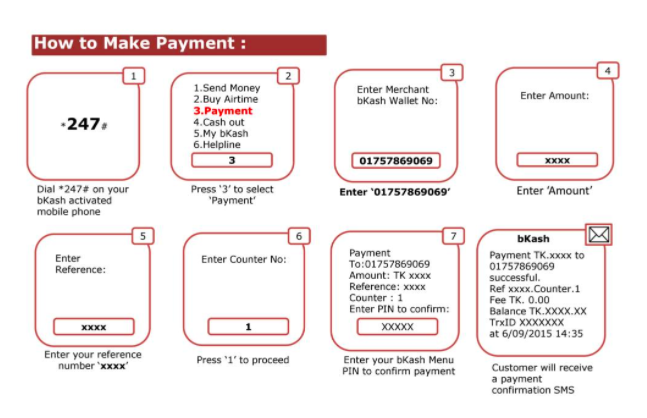
Option 2: How to make payment through USSD
- Go to your bKash wallet
- Select payment
- Enter merchant account number: 01757869069
- Enter the amount that you’d like to pay
- Enter reference, counter, your secret pin.
- Right after, you should receive a confirmation with a 10 digit transaction ID
- Now go to the backpack site again
- Get to the checkout page, click on the payment tab and select bKash again.
- There you’ll see an empty slot where you’ll need to enter that 10 digit transaction ID.
- Right after entering the ID click on “Pay.”
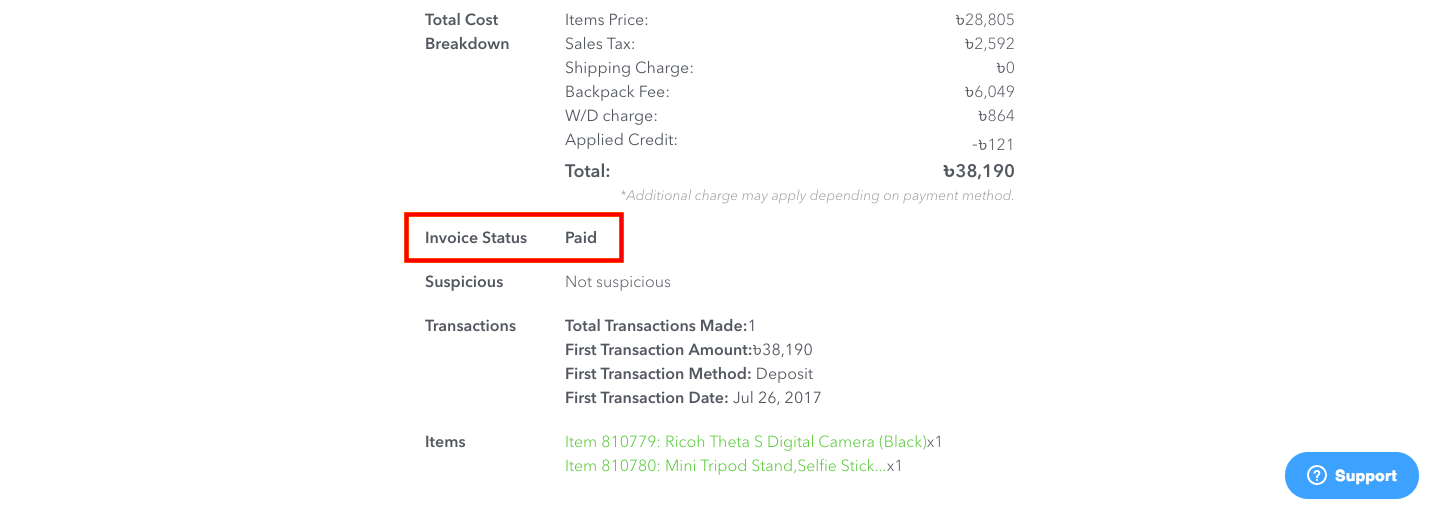
Right afterward, your invoice status will show up as paid and the item will be in our purchase queue.
-------------------------------------------------------------------------------------------------------
Bank Deposit
Making a bank deposit to Backpack's bank account involves four simple steps.
Step 1
Check out with the item in your cart or hit Buy Now to take an item to checkout directly from the item page.
Step 2
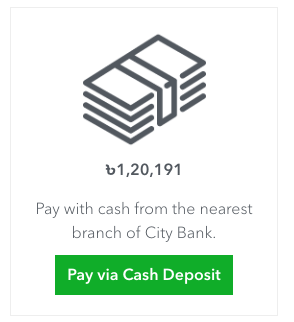
After selecting preferred delivery method, in the next section, select Pay via cash deposit (BDT)
Step 3
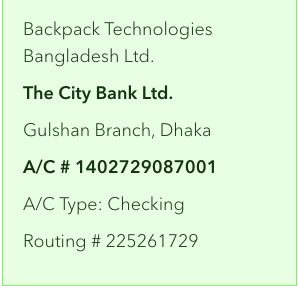
A new window opens up displaying all the information needed to make a deposit in Backpack's bank account. You'll need to note down our bank account details and the amount you need to deposit.
Step 4
- Visit your nearest City Bank branch
- Fill up the deposit form with the payable amount and account details
- Make the deposit
- Take a picture of the receipt
- Return to Backpack's payment section on the checkout page
- Upload the picture of the receipt by clicking on “choose file” option (the image file for the receipt cannot be larger than 5MB).
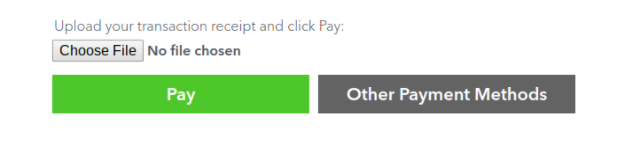
After the file is uploaded, click on “Pay”.
We will then verify the payment within the next 30 minutes. Once it is verified your invoice will be paid for and the item will be ready for purchase.
-------------------------------------------------------------------------------------------------------
Electronic Fund Transfer (EFT)
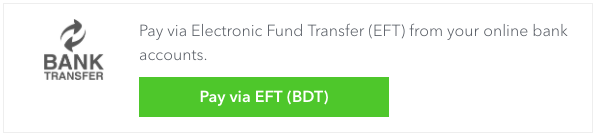
At Backpack, you have the option to make an electronic fund transfer as well.
Step 1
d
Step 2
Step 3

Step 4
Step 5
-------------------------------------------------------------------------------------------------------
Credit/Debit Card (BDT)
To pay using your Bangladeshi debit/credit card through the SSLCommerz gateway, all you gotta do is follow these simple steps:
Step 1
Check out with the item in your cart or hit Buy Now to take an item to checkout directly from the item page.
Step 2
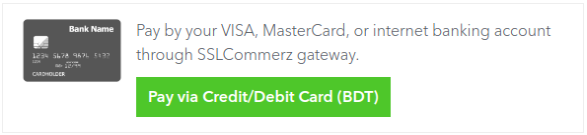
After selecting a preferred delivery method, in the next section, select “Pay via debit/credit card(BDT)”
Step 3
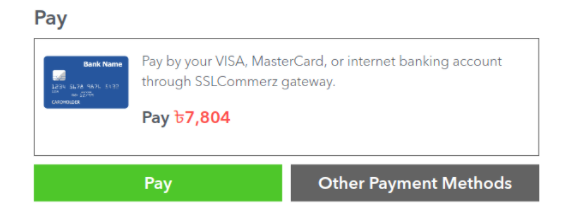
Click “Pay” and it will take you to SSL’s secure gateway
Step 4a
Select your preferred payment method from the list that follows, such as:
- Visa Card
- Master Card
- American Express
- DBBL Nexus
- QCash
- Fast Cash
The image below shows what you'll see as available payment methods through the gateway.

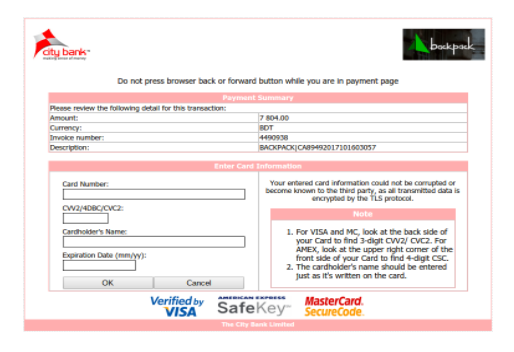
When you select an option from the “Debit/Credit Cards” section, you'll need to select your card type and Enter all the required information - card number (16 digit number on the front face of your card), CVV2/4DBC/CVC2 (3 digit number on the back of your card), cardholder’s name, expiry date etc.
- Then an OTP (one-time password) will come to the cell phone that is registered with the card.
- Enter that OTP, then select pay/submit.
Step 4b
We have Mobile Banking available for the following services:
- DBBL Mobile
- M Cash
- My Cash
- AB Direct
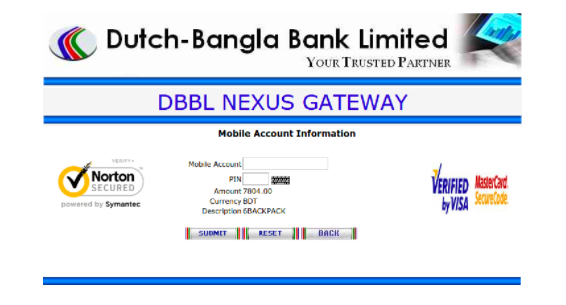
When you select an option from the “Mobile Banking” section you will need to put your Phone/Wallet number and PIN then select Submit.
The image below shows the page for the DBBL Mobile method
Step 4c
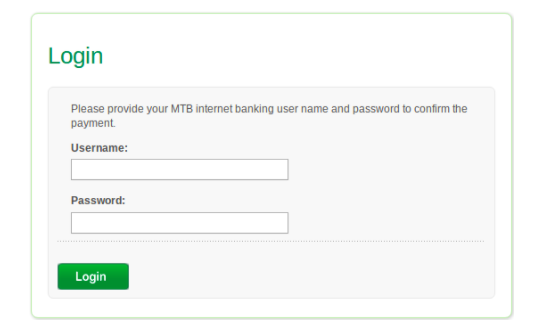
For Internet Banking, we have 4 available methods:
- City Touch
- Islami Bank
- Mutual Trust Bank
- Bank Asia
When you select an option from the Mobile Banking section, you will need your User ID/Username and Password.
In case you need any form of assistance, just drop us a line at support@backpackbang.com and we'll get back to you within an hour. Happy Backpacking!
Comments
0 comments
Please sign in to leave a comment.